Hairdressing Salon Software: Solo & Multi-Chair Guide
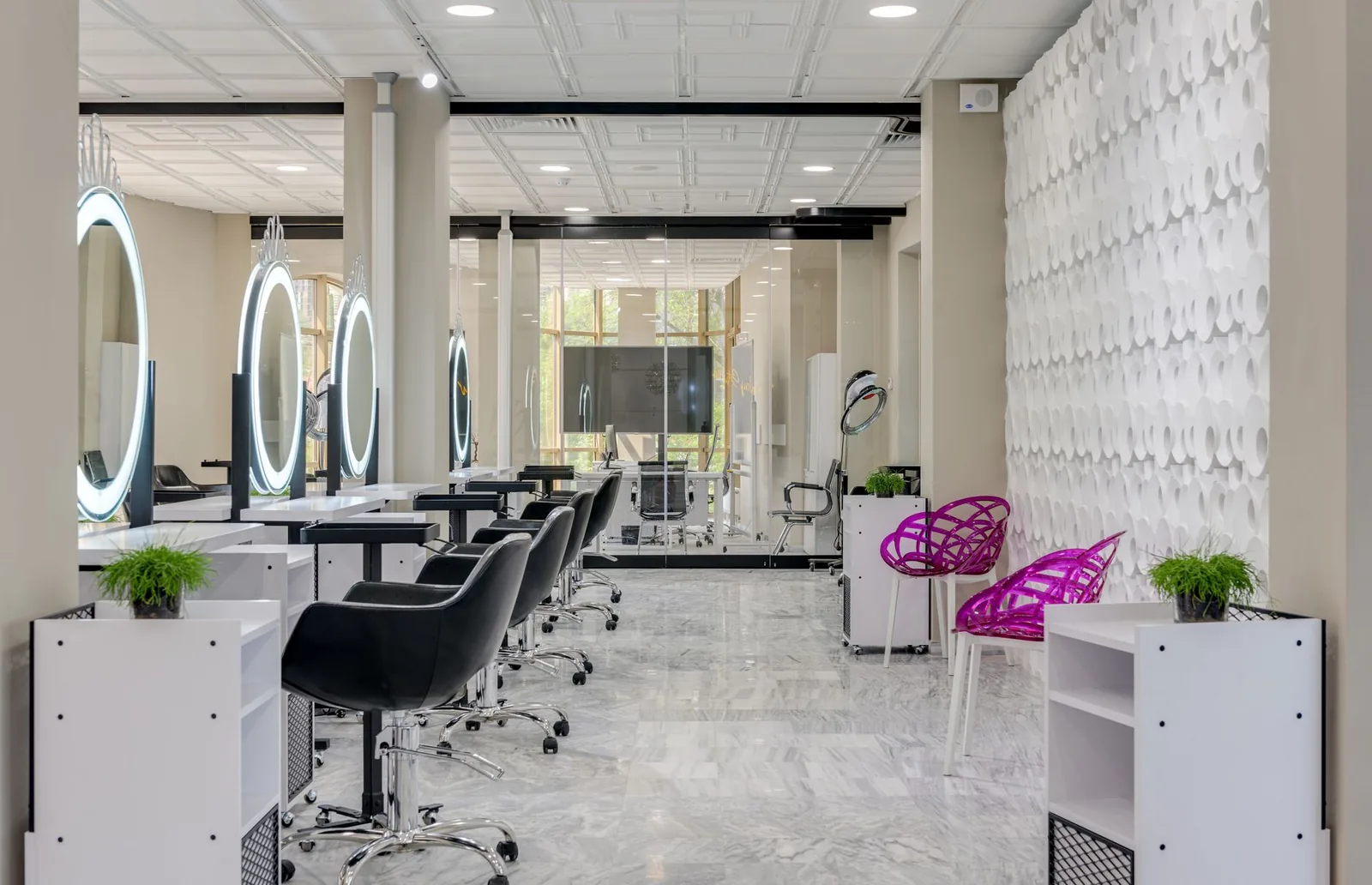
A stylist finishes a color, walks her client to the mirror, and hears her phone buzz for the fifth time in an hour — three of those buzzes are booking requests she'll answer between clients, if she remembers. Meanwhile, three blocks away, a four-chair salon has an empty seat at 2 p.m. because the front desk missed a cancellation text at lunch. Same city, same problem: the business is running the stylist instead of the other way around.
Hairdressing salon software fixes that — but "salon software" means very different things depending on whether you're one person with a chair or five stylists sharing a room. This guide breaks down what each type of business actually needs, what to skip, and how to choose a system that scales without turning your workday into admin.
What "hairdressing salon software" actually covers
At its core, hairdressing salon software handles four jobs: taking bookings without a phone call, keeping the calendar clean, remembering who your clients are, and telling you what happened at the end of the month. Everything else — loyalty, waitlists, staff commissions, multi-location — is a layer added on top depending on the shape of your business.
Here's the honest version of the stack most hair businesses touch:
- Online booking page — a public link (or Instagram button) where clients pick a service, a stylist, and a time slot themselves.
- Calendar / appointment scheduling — one view per stylist, honoring working hours and service durations so nothing double-books.
- Client database (CRM) — every client has a profile: past services, formulas, notes, no-show history.
- Automatic reminders — SMS or email a day or two before, then the morning of.
- Waitlist & last-minute booking — when someone cancels, the chair refills itself instead of sitting empty.
- Staff & services management — each stylist has their own hours, services, and price list.
- Reports — revenue, bookings, per-stylist performance, so you manage by numbers instead of gut feel.
- Loyalty — automatic rewards for repeat visits.
- Multi-location — one login, one report, but each location has its own calendar.
A solo stylist genuinely needs the first four. A multi-chair salon needs all nine — or will, within a year.
What a solo hairdresser actually needs
If you're a single stylist — booth renter, home studio, mobile — the software's job is to give you back the evenings. You don't need staff scheduling. You don't need a POS with a barcode scanner. You need to stop answering DMs at 10 p.m.
Here's the minimum practical setup for a solo stylist:
- A booking page linked from your Instagram bio. Clients tap once, pick a service, see your real availability, and book. That's it. No back-and-forth about "does 2 or 3 work?"
- Service durations that reflect reality. If a full balayage takes you 3.5 hours with a 20-minute processing gap, build it that way. The calendar should protect that gap for a quick trim if you want, or hold it clear if you don't.
- A buffer between clients. Even 10 minutes. It stops the day from collapsing when one root touch-up runs long.
- Automatic reminders. For a solo book, one no-show is a serious chunk of the week's revenue. A reminder 24 hours out and again the morning of drops no-shows meaningfully — most stylists I know see them cut in half or better.
- Client notes. Formula, developer, tone preference, kids' names, "hates small talk on Fridays." This is your competitive moat as an independent.
- A cancellation policy attached to the booking page. Software won't enforce manners, but a policy the client actively agrees to before booking gives you the ground to stand on.
What solo stylists should skip, at least at first: complex commission reports (you're the whole staff), heavy inventory, and any tool that charges you per staff seat when you're one person.
The trap to avoid: free tools that put another brand's logo above yours and market their marketplace to your clients. A booking link should send clients to your business, not a directory where the next stylist over is one tap away.
What a multi-chair salon actually needs
Add a second chair and the software's job changes completely. Now it isn't just about you — it's about making sure two, four, six stylists aren't stepping on each other, that the shampoo bowl isn't triple-booked, and that at the end of the month you can pay commission without a spreadsheet nightmare.
A multi-chair salon needs everything a solo needs, plus:
- Per-stylist calendars that don't collide. Every stylist has their own hours, days off, and service menu. Junior stylists shouldn't be bookable for services they don't do yet.
- Resource awareness where it matters. If you only have two color stations, three colorists can't all start a bleach service at 10 a.m. Any decent scheduler should handle stylist collisions at minimum.
- A front-desk view. One screen showing every chair, the whole day, color-coded. The receptionist should be able to answer "can Marco fit her in at 4?" in three seconds.
- Staff performance reports. Bookings per stylist, revenue per stylist, rebooking rate, average ticket. This is how you spot the stylist who's quietly your top earner — and the one whose column has too much white space.
- Waitlist handling. In a busy salon, cancellations happen daily. A good system offers the slot to the waitlist automatically so the chair doesn't sit empty for two hours.
- Client ownership settings that make sense. When a client books "with anyone," who gets the credit? When their regular stylist is off, who covers? The software should reflect the house rules you already run by.
Here's a rough comparison of what to prioritize:
| Need | Solo stylist | 3–5 chair salon | 6+ chair salon |
|---|---|---|---|
| Online booking page | Essential | Essential | Essential |
| Per-stylist hours/services | Nice-to-have | Essential | Essential |
| Automatic reminders | Essential | Essential | Essential |
| Waitlist / last-minute fill | Helpful | Essential | Essential |
| Per-stylist reports | Optional | Essential | Essential |
| Front-desk day view | Optional | Essential | Essential |
| Loyalty program | Helpful | Helpful | Essential |
| Multi-location | No | Sometimes | Often |
Mobile booking: where most bookings actually come from
Most hairdressing bookings today happen on a phone, after hours, from a couch. If your booking flow isn't mobile-first, you're bleeding appointments to the salon down the street whose Instagram link works cleanly on iOS.
Test your booking page like a client would:
- Open it on your phone from your Instagram bio — not from your laptop.
- Book a real service. Count the taps. Anything past six taps and people abandon.
- Try it in a bad signal area (grocery store parking lot). Does it still load?
- Look at the confirmation. Is your business name and your stylist's name on it, or someone else's brand?
- Check what happens if the client tries to reschedule at 11 p.m. Can they, without messaging you?
A booking system your clients like is one they never think about. They pick a time, they get a reminder, they show up. If any of those three steps requires a phone call, the software isn't earning its keep.
Staff, commissions, and the messy middle
The moment you have staff, three questions start eating your evenings:
- Who worked what hours?
- How much did each stylist bring in?
- What do I owe them?
This is where "software that scales" separates from "software you'll outgrow in a year."
For a small team, the practical setup looks like:
- Each stylist's services are theirs. A senior colorist has different services and durations than a junior. Their booking page shows only what they can actually do.
- Working hours are per stylist, not per salon. Anna works Tuesday–Saturday. Marcus works Wednesday–Sunday. The calendar should not let a client book Anna at 10 a.m. Monday.
- Reports are per stylist and total. At month-end you should be able to pull: services performed, revenue generated, average ticket, and rebooking percentage — per stylist, in under a minute.
- Time off is easy. A stylist requesting Friday off shouldn't require you to manually block eight bookable slots.
The messy middle is when you go from 2 to 5 stylists. That's when informal systems break — the paper book gets confusing, the group chat loses reminders, someone books over someone's lunch. Getting proper hairdressing salon software in place before you hit that point is much easier than migrating a chaotic system after the fact.
What to actually evaluate when choosing software
Ignore the marketing pages. Here's the checklist that predicts whether you'll still be happy in a year:
- Trial the booking flow as a client. Not as an owner. Book yourself an appointment. If it feels clunky to you, it feels clunky to them.
- Import a fake client list. See how the CRM handles messy data — duplicates, phone numbers with different formats, missing emails.
- Set up one difficult service. A double process, or a service that requires two stations. If you can't model your actual work, the software doesn't fit.
- Add a staff member with unusual hours — Tuesday 12–8, Saturday 8–2, off Sunday–Monday. See how painful it is.
- Cancel a booking and check the waitlist behavior. Does the slot get offered automatically, or is it now dead air on your calendar?
- Pull a report. Revenue by stylist, last 30 days. If you can't do that in three clicks, imagine doing it every month for the next five years.
- Check the reminder wording. Some systems send generic, spammy messages that clients delete. Read the actual SMS your client will get.
- Ask about data export. If you ever want to leave, can you take your client list and history with you? "No" is a red flag.
- Look at what the client sees after booking. Confirmation, calendar invite, easy reschedule link — or a confusing email?
- Ignore features you'll never use. Don't pay for a tanning-bed integration when you do balayage.
Two things to be cautious about:
- "Free" that isn't free. Marketplace-style tools that take a cut per new client, or that put your clients in a directory next to your competitors, aren't free. Do the math on 20 new-client bookings a month.
- Software that requires a full front desk. If the system assumes someone is at a computer all day to run it, and you don't have that person, it's the wrong tool.
How Stylera fits both ends of the spectrum
Stylera is built so the same platform works whether you're one stylist with a phone or a five-chair salon with a front desk. A solo hairdresser sets up their services, their hours, and a public booking page in an afternoon — clients book against real-time availability 24/7, automatic SMS and email reminders go out before each appointment, and the client database keeps every formula and note where you can find it before the next visit. When you add a second stylist, you don't switch software: you add them, give them their own hours and service menu, and the calendar keeps everyone out of each other's way.
As the shop grows, the pieces you didn't need at first quietly turn on. The waitlist offers cancelled slots so a chair doesn't sit empty. Per-stylist reports show revenue and bookings without a spreadsheet. Loyalty rewards repeat clients automatically based on visit history. If a second location opens, one account runs both with a view of each. The point isn't a longer feature list — it's that the front desk work doesn't grow linearly with the business.
A realistic rollout plan
If you're moving from paper (or from a chat group) to real software, here's the order that actually works:
- Week 1: Build the service menu and set your working hours. Get one stylist (you, if solo) fully set up.
- Week 2: Turn on the booking page. Put the link in your Instagram bio and text it to your 20 most loyal clients. Ask them to book their next appointment through it.
- Week 3: Turn on automatic reminders. Watch no-shows drop.
- Week 4: Enter your existing client list with basic notes (at minimum: last service, formula, allergies).
- Month 2: Add remaining stylists, set their hours and services, and switch the whole book over. Keep the paper book as a backup for one month.
- Month 3: Start reading the reports. Which stylist has the strongest rebooking rate? Where's the white space in the week? Adjust hours and marketing accordingly.
Don't try to launch every feature on day one. Booking + reminders alone will change your week.
The right hairdressing salon software isn't the one with the most features on the pricing page — it's the one that quietly removes work from your day, whether you're behind one chair or six. If you want to see how this looks in your own book, give Stylera a free try, set up your services, and take one week of bookings through it. That's usually all it takes to know.
Frequently asked questions
What is hairdressing salon software and what does it actually do?
Hairdressing salon software is a system that handles the core operations of a hair business: taking online bookings without phone calls, managing the appointment calendar, storing client information (past services, formulas, notes), and generating reports on revenue and performance. More advanced systems add automatic SMS/email reminders, waitlist management, staff and commission tracking, loyalty programs, and multi-location support. A solo stylist typically needs the first four features, while a multi-chair salon eventually needs all of them. The goal is to stop the business from running the stylist and instead give owners control over their schedule and revenue.
What features does a solo hairdresser really need in booking software?
A solo stylist needs a minimum practical setup: an online booking page linked from Instagram bio, realistic service durations (including processing gaps for color work), buffer time between clients, automatic SMS/email reminders 24 hours before and the morning of the appointment, detailed client notes (formulas, preferences), and a cancellation policy attached to the booking page. Skip complex commission reports, heavy inventory management, and per-seat pricing tools. Reminders alone typically cut no-shows in half or better, which is critical when one no-show represents a significant chunk of weekly revenue for an independent stylist.
What extra features does a multi-chair salon need beyond solo tools?
A multi-chair salon needs everything a solo stylist uses, plus per-stylist calendars with individual hours, days off, and service menus so junior stylists can't be booked for services they don't perform. It also needs resource awareness (limited color stations, shampoo bowls), a front-desk view showing all chairs color-coded for the day, staff performance reports (bookings, revenue, rebooking rate, average ticket per stylist), automatic waitlist handling to refill cancellations, and client ownership rules for when clients book "with anyone" or their regular stylist is off. These features prevent double-bookings and make monthly commission calculations manageable without spreadsheets.
Why should I avoid free salon booking tools that use marketplace directories?
Free booking tools often place their own brand logo above your salon name and use your booking link to market their marketplace to your clients. This means when a client clicks to book with you, they see competing stylists one tap away, effectively turning your clients into leads for your competitors. A proper booking link should send clients directly to your business only, with your branding front and center. Paying a small monthly fee for independent software is almost always worth it to protect client relationships you've spent years building.
How much does automatic appointment reminder software reduce no-shows in a hair salon?
Automatic SMS or email reminders sent 24 hours before an appointment and again on the morning of the appointment typically cut no-shows in half or better, according to most stylists' experience. For a solo stylist, one no-show can represent a significant portion of weekly revenue, so this feature alone often pays for the software. For multi-chair salons, combining reminders with automated waitlist offers means cancelled slots refill themselves instead of sitting empty for hours. Pair reminders with a clear cancellation policy that clients agree to at booking for the strongest results.