The Best Salon Booking System in Sri Lanka for 2026
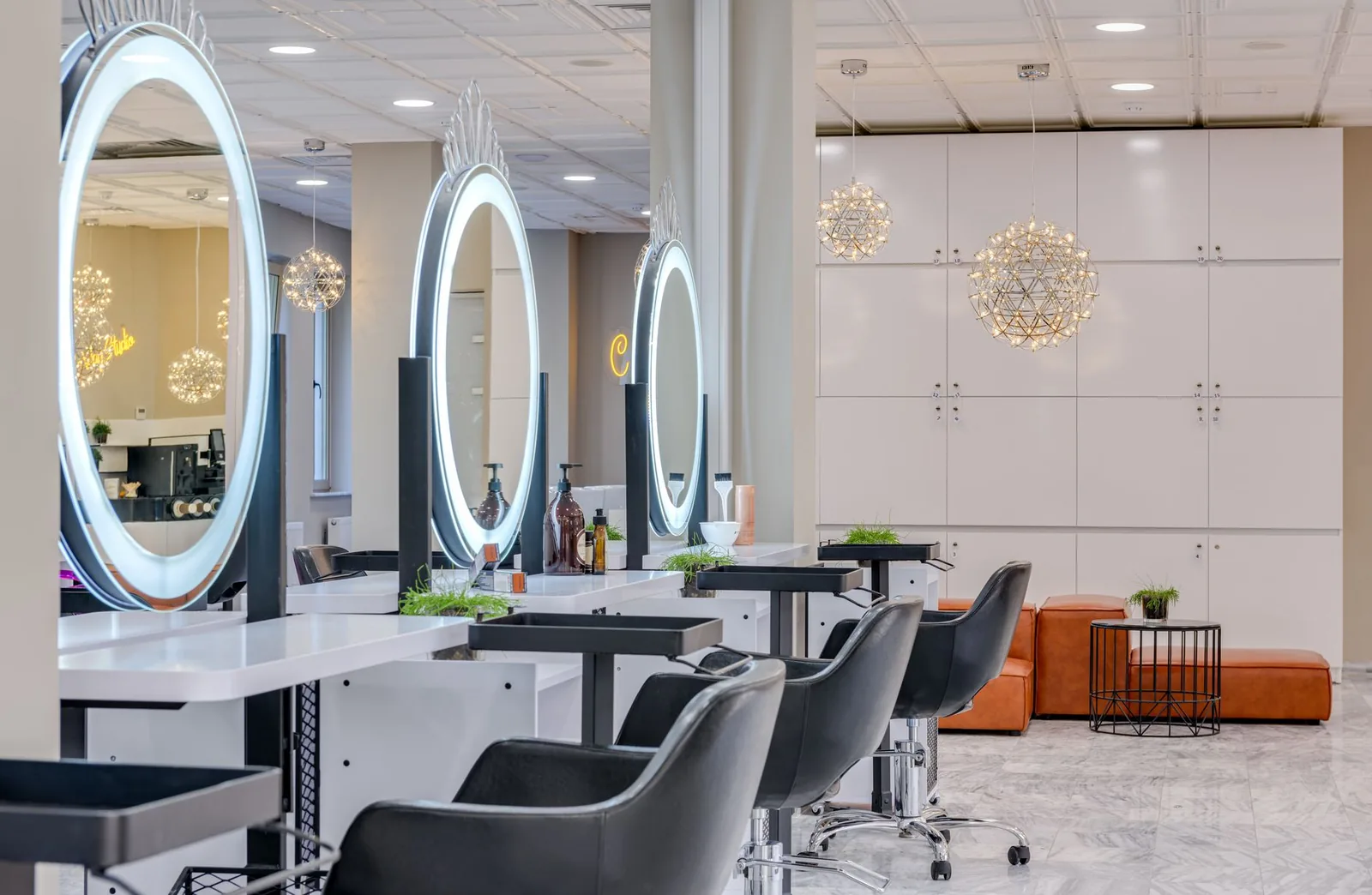
A salon in Colombo recently told me their receptionist was fielding 60+ WhatsApp messages a day just to confirm appointments — and still losing two or three slots a week to no-shows. That's not a staffing problem. That's a booking system problem. If you run a salon or barbershop anywhere from Colombo to Kandy to Galle, the right software pays for itself in recovered chair time within weeks.
This guide is for Sri Lankan salon owners who are tired of paper diaries, endless WhatsApp threads, and the awkward "sorry, we're double-booked" call. It walks through what to look for, what to ignore, and how a modern cloud-based booking system actually fits the way salons here operate.
What a salon booking system actually has to do in Sri Lanka
A salon booking system has to do three things well: let clients book themselves online 24/7, keep a clean calendar across every stylist, and reduce no-shows automatically. Everything else — loyalty, reports, marketing — is icing. If a tool can't nail those three, walk away.
In the Sri Lankan market specifically, you also need to think about a few practical realities:
- Mobile-first clients. Most of your clients will book from a phone, often over mobile data. The booking page has to load fast and work on a basic Android browser.
- WhatsApp culture. A lot of inquiries still come through WhatsApp. A good system doesn't fight that — it reduces the volume of repetitive "do you have 4pm?" messages by giving clients a link they can self-serve from.
- Bilingual or trilingual clientele. Plenty of salons serve English, Sinhala, and Tamil speakers in the same week. Your booking flow should be simple enough that language isn't a barrier — short forms, clear buttons, no jargon.
- Cloud, not desktop. Forget software installed on one PC at the front desk. If the power cuts or the machine dies, you lose your book. Cloud-based salon management software runs from any browser on any device.
If you keep those four things in mind, you've already filtered out 80% of the tools that won't survive in a real Sri Lankan salon.
The features that actually matter (and the ones to ignore)
Most software vendors will hand you a feature list as long as a beach towel. Here's the honest breakdown of what moves the needle for an independent stylist or a multi-chair salon, versus what's marketing fluff.
Must-have features:
| Feature | Why it matters |
|---|---|
| 24/7 online booking page | Clients book at 11pm without messaging you. You wake up to a fuller day. |
| Real-time calendar per stylist | No double-bookings, ever. Each stylist sees their own day. |
| Automatic SMS/email reminders | Cuts no-shows. Period. The single biggest ROI feature. |
| Client database with visit history | You remember what color you used six months ago. Clients notice. |
| Waitlist and last-minute openings | When a cancellation hits, the slot refills itself instead of sitting empty. |
| Staff and service management | Each stylist with their own hours, services, and pricing. |
| Reports on revenue and per-stylist performance | You manage the business by numbers, not by gut feel. |
Nice-to-have but not deal-breakers:
- Loyalty program (great for retention once you're past 100 regulars).
- Multi-location support (only matters if you actually have, or plan to open, a second location).
Ignore the noise:
- "AI-powered" anything that doesn't explain what it actually does.
- Email marketing modules you'll never set up.
- Built-in inventory systems unless you genuinely sell a lot of retail product.
The blunt rule: if you wouldn't use a feature in your first 90 days, it shouldn't influence your decision.
How to evaluate a booking system in a 30-minute test
You don't need a two-week trial to know if a system fits. You need 30 focused minutes. Here's the test I'd run on any salon booking system, whether you're a solo stylist in Negombo or a six-chair operation in Colombo 7.
Step 1 — Set it up like you're a real client (5 min). Open the public booking page on your phone. Pick a service. Pick a stylist. Pick a time. Count the taps. If it takes more than five taps from "land on the page" to "appointment confirmed," your clients will drop off. Good systems do it in three or four.
Step 2 — Stress-test the calendar (10 min). Add two stylists with overlapping but different hours — say, one works Tuesday to Saturday 9–6, the other works Wednesday to Sunday 11–8. Add a service that only one of them offers. Try to book the other stylist for that service. The system should refuse it cleanly. Then try to book both stylists into the same slot. It should block that too. If either test fails, you'll get double-bookings in real life.
Step 3 — Trigger a reminder (5 min). Book a test appointment for tomorrow with your own phone number. Confirm the SMS or email reminder actually arrives. Check the message wording. Is it professional? Can you customize it? Reminders only work if they get sent and read.
Step 4 — Cancel and check the waitlist (5 min). Cancel the test booking. See what happens. Does the system notify a waitlist? Does it open up a last-minute slot? An empty chair is lost revenue you can't claw back.
Step 5 — Pull a report (5 min). Even with one day of test data, you should be able to pull a basic revenue or bookings report. If the reporting feels buried or confusing now, it'll feel worse when you actually need it at month-end.
If a system clears all five steps, it's a serious candidate. If it fails two or more, move on.
Common mistakes salon owners make when picking software
I've watched salons burn money and time on the wrong tool more than once. The patterns are predictable.
Picking on price alone. The cheapest tool that costs you two no-shows a week is more expensive than a proper system. Do the math: if your average ticket is LKR 4,500 and you lose three no-shows a week, that's roughly LKR 54,000 a month walking out the door. Any software that prevents even half of those pays for itself many times over.
Buying for features you'll never use. A solo stylist doesn't need enterprise-grade payroll. A small barbershop doesn't need a 14-step marketing automation builder. Match the tool to where your business is now, not where you imagine it in five years.
Ignoring the booking page design. The booking page is the part your clients actually see. If it looks dated or feels clunky on mobile, clients will revert to WhatsApp and you're back where you started. Open it on your own phone before you commit.
Not training the team. Software fails when the team doesn't use it. Block out an hour with every stylist. Walk through how they check their day, mark a client as a no-show, and add a note to a client profile. If the system is too complicated to teach in an hour, it's too complicated.
Treating it as a one-time decision. Audit the system every six months. Are you using reports? Is the waitlist actually filling slots? If a feature isn't earning its keep, fix the setup or change tools. Don't just let it run on autopilot.
What changes when your booking moves online
Independent stylists usually see the same shift: the phone stops ringing as much, and the calendar starts filling itself. Here's what a typical week looks like before and after, based on what salon owners consistently report.
Before:
- 40+ booking-related messages a day across WhatsApp, Instagram DMs, and calls.
- Two or three double-bookings a month from miscommunication.
- Three to five no-shows a week with no recovery.
- Front desk spends half its time on the phone, not on clients.
After (within the first 60 days):
- Most bookings come through the public link. Messages drop to inquiries and confirmations.
- Double-bookings drop to zero because the calendar enforces availability.
- No-shows drop sharply once reminders go out automatically.
- Cancelled slots get refilled from a waitlist instead of sitting empty.
- Front desk handles clients in the chair, not the phone.
For a multi-chair salon, the bigger shift is visibility. The owner can finally see per-stylist revenue, busiest days, and which services drive the most repeat visits — without spreadsheets. That's how you stop guessing and start managing.
For a barbershop with walk-in culture, the change is subtler but still real: regulars book ahead online (especially for weekend slots), walk-ins still walk in, and the calendar shows you in real time whether you can take them.
How Stylera fits Sri Lankan salons
Stylera is a cloud-based salon booking system, which means it runs from any browser — your laptop at the front desk, the tablet at the styling station, your phone at home. There's nothing to install, and your data isn't tied to one machine. For salons in Sri Lanka where the front-desk PC isn't always reliable, that alone removes a real headache.
The setup matches how salons here actually work: each stylist gets their own services, hours, and schedule, so the booking page only offers slots that genuinely exist. Clients book themselves 24/7 against real availability, automatic SMS and email reminders cut down on no-shows without anyone having to chase, and when someone cancels, the slot gets offered to the waitlist or shown as a last-minute opening — so the chair refills itself instead of sitting empty. You also get a client database with visit history and notes (so a stylist can pull up exactly what color formula they used last time), plus reports on revenue, bookings, and per-stylist performance for the owner who wants to manage by numbers. If you ever open a second location, the same account handles both.
Getting the most out of your first 30 days
Whatever system you pick — Stylera or anything else — the first 30 days decide whether it sticks. Here's the playbook I'd run:
- Week 1: Get the menu right. Enter every service with accurate duration. If a balayage takes 3 hours, put 3 hours. Wrong durations break the calendar.
- Week 1: Add every stylist with their actual hours. Including lunch breaks and days off. The calendar is only as accurate as what you put in.
- Week 2: Share the booking link everywhere. Instagram bio, Facebook page, Google Business profile, WhatsApp status, business cards. If clients can't find it, they won't use it.
- Week 2: Turn on reminders. Default settings are usually fine. 24 hours before the appointment is the sweet spot for SMS.
- Week 3: Start logging client notes. Every visit, add one note. After a month, every regular has a profile that makes service personal.
- Week 4: Pull your first report. Revenue per stylist, bookings per service, busiest day. Use it to make one decision — extend hours, change a price, run a slow-day promotion.
By day 30, the system stops feeling like extra work and starts feeling like part of how the salon runs.
The bottom line
The best salon booking system for Sri Lanka in 2026 is the one that lets clients book themselves, kills no-shows with automatic reminders, refills cancellations from a waitlist, and gives you a clean calendar across every stylist — all from a browser, on any device. Match the tool to the realities of how salons actually work here: mobile-first clients, WhatsApp culture, and a need for cloud-based reliability.
If you want to see how this works in your own salon, you can start free at stylera.io/register — set up your services, add your team, and have your booking page live the same day.
Frequently asked questions
What features should a salon booking system have for a Sri Lankan salon?
A salon booking system in Sri Lanka must do three core things well: allow clients to book themselves online 24/7, maintain a clean real-time calendar across every stylist, and automatically reduce no-shows through SMS or email reminders. Beyond that, look for a client database with visit history, waitlist functionality for last-minute openings, staff and service management, and revenue reports per stylist. It should be cloud-based (not desktop software tied to one PC), mobile-first so it loads fast on basic Android phones, and simple enough to work for English, Sinhala, and Tamil-speaking clients. Features like loyalty programs and multi-location support are nice-to-have but not deal-breakers.
Why is cloud-based salon software better than desktop software in Sri Lanka?
Cloud-based salon management software runs from any browser on any device, which matters in Sri Lanka where power cuts and hardware failures are common realities. If your booking system is installed on a single front-desk PC and that machine dies or loses power, you lose access to your entire appointment book. Cloud systems let you check your calendar from a phone, tablet, or any computer, and your data is safely backed up off-site. This flexibility is essential for salons operating across Colombo, Kandy, Galle, or anywhere with unreliable infrastructure.
How can I reduce no-shows at my salon using booking software?
Automatic SMS and email reminders are the single biggest ROI feature for cutting no-shows at a salon. A good booking system sends reminders 24 hours and a few hours before the appointment, so clients don't forget and have a chance to reschedule rather than ghost. You should also enable a waitlist feature so that when someone cancels, the slot is automatically offered to the next client instead of sitting empty. For context, if your average ticket is LKR 4,500 and you lose three no-shows a week, that's roughly LKR 13,500 in lost revenue weekly — far more than any booking system costs.
Should my salon still use WhatsApp for bookings or switch to a booking system?
You don't need to abandon WhatsApp — you need to reduce the volume of repetitive booking messages it generates. A good salon booking system gives clients a self-service link they can use 24/7 to check availability and book themselves, which eliminates most of the back-and-forth 'do you have 4pm?' messages. One Colombo salon reported their receptionist was fielding 60+ WhatsApp messages a day just to confirm appointments, while still losing slots to no-shows. WhatsApp remains useful for personal inquiries and follow-ups, but routine bookings should happen through your online system.
How do I test if a salon booking system is right for my business?
Run a focused 30-minute test rather than waiting through a two-week trial. First, open the public booking page on your phone and count the taps to book — it should take three or four, not more than five. Second, set up two stylists with overlapping schedules and different services, then try to create a double-booking or book a stylist for a service they don't offer; the system must block both cleanly. Third, book a test appointment to confirm the SMS or email reminder actually arrives and looks professional. Finally, cancel the booking to check waitlist behavior and pull a basic revenue report — if reporting feels buried now, it'll be worse at month-end.