The Real Downsides of Digital Booking (and Fixes)
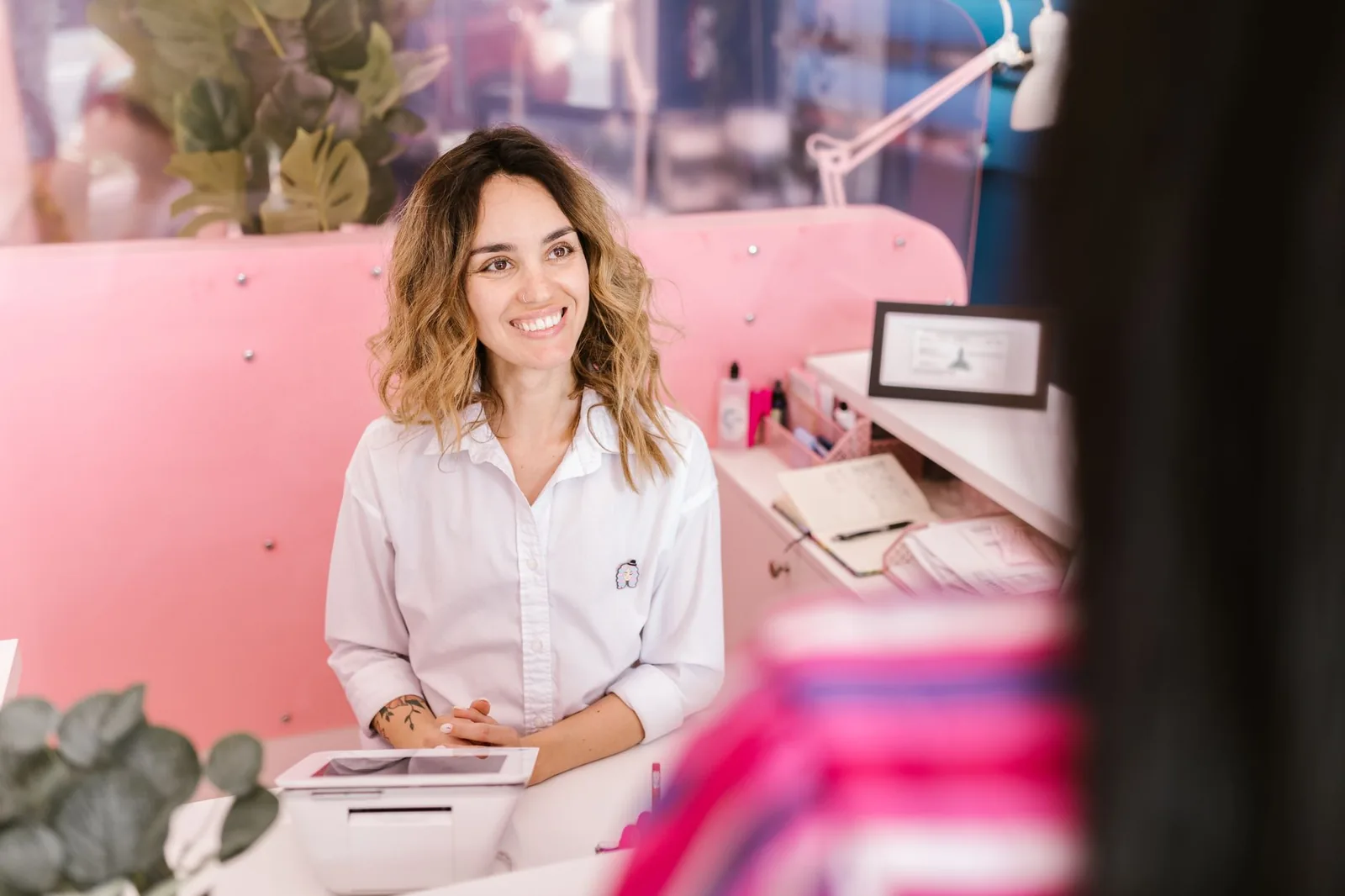
Every salon owner who has switched from a paper book to a scheduling app has hit the same wall: something breaks in week two. A client double-books herself under two phone numbers. A stylist marks herself off but the online page still takes appointments. A regular who's been coming for six years suddenly gets a text at 7 a.m. she didn't want. Digital booking is better than paper — that's not the debate — but pretending it has no downsides is how salons end up frustrated and half-migrated between three tools.
This is an honest look at what actually goes wrong with electronic appointment scheduling in a working salon, and what modern salon software has learned to do about it.
Double-Bookings Still Happen — Usually Because of How the Calendar Is Set Up
Digital calendars are supposed to make double-bookings impossible. In practice, they happen for three predictable reasons: the online booking page isn't syncing to the internal calendar in real time, service durations are wrong, or a stylist is blocking time in a personal calendar (Google, iCloud) that the salon system doesn't see.
Here's what a real double-booking usually looks like in a multi-chair salon:
- 10:02 a.m. — a stylist adds a walk-in directly to her column on the tablet.
- 10:03 a.m. — a client online books the same 10:30 slot because the sync runs every five minutes.
- 10:30 a.m. — two people show up for one chair.
What to actually do about it:
- Use a system with real-time availability, not a five- or fifteen-minute refresh. If the vendor won't tell you the sync interval, assume it's slow.
- Build service durations honestly. If a balayage takes 3 hours 15 minutes including toner and blow-dry, don't book it as 2.5 hours because "she's fast." The calendar will punish you.
- Give every stylist ONE calendar. If she wants her personal life visible, connect her Google calendar as a read-only block — don't let her run a parallel book.
- Turn off overlapping service capability unless you genuinely double-book on purpose (e.g. a color processing while another client gets a wash).
Independent stylists get bitten by this too — usually when they take DMs on Instagram, phone calls, and online bookings without a single source of truth. The rule is boring but non-negotiable: one calendar, or you will double-book.
The Learning Curve Is Real, and It's Usually the Front Desk That Suffers
Software vendors love to say their platform is "intuitive." Then you hand it to a receptionist on a Saturday with 40 appointments and she can't figure out how to move a color service to a different stylist without deleting and re-creating it. The learning curve is the single biggest reason salons abandon a new booking system in the first 60 days.
The curve is steepest for three groups:
- Owners moving from a paper book — muscle memory is doing everything, and the software forces a new order (client first, then service, then stylist, then time).
- Older stylists who resent being asked to use a tablet at all.
- Part-time front desk staff who only work weekends and never build fluency.
A realistic onboarding plan that works:
| Week | Focus | Who |
|---|---|---|
| 1 | Import client list, set services + durations, set staff hours | Owner |
| 2 | Run the calendar in parallel with paper book | Owner + one stylist |
| 3 | Turn on online booking for existing clients only (email invite) | Owner |
| 4 | Open public booking page, retire paper | Whole team |
Don't skip week two. Running parallel for a week feels wasteful and it's the single best thing you can do — every bug in your service menu shows up before it costs you a client.
Also: pick software that lets you drag-and-drop appointments across stylists and times. If you have to open a form to move an appointment, your receptionist will hate the software by day three.
No-Shows Don't Disappear — They Just Change Shape
There's a myth that going digital reduces no-shows automatically. It doesn't. What it does is give you tools that, if you actually use them, cut no-shows meaningfully. Left alone, digital booking can make no-shows worse — clients feel less accountable booking a form than they do calling a person they know by name.
The three things that actually move the number:
- Automatic reminders sent at the right interval. For most salons that's 48 hours before (enough time to reschedule) and 2–3 hours before (enough to leave the house). One reminder isn't enough; four is nagging.
- Reminders on the channel the client actually reads. SMS gets opened. Email gets ignored by anyone under 35. If the software only does email, you have half a solution.
- A clear cancellation policy visible at the moment of booking. Not buried in a confirmation email. On the booking page, before they confirm.
For higher-risk services (long color appointments, extensions, weddings), a card-on-file or deposit at booking is the honest answer. Not every salon needs it, but if you're losing $300 chair-hours to a no-show, the math is obvious.
One thing to be careful of: aggressive auto-cancellation. If a client doesn't confirm a reminder in 12 hours and the system releases her slot, you'll lose loyal clients who just don't read texts fast. Manual review of unconfirmed appointments is the safer default in the first months.
The Booking Page Can Cost You Money If It's Set Up Wrong
A public booking page open 24/7 sounds like a pure win. It also opens the door to problems that a phone booking would have caught:
- Clients booking a "haircut" for what's actually a cut, color, and treatment (three hours of chair time booked as 45 minutes).
- New clients booking with your senior stylist at senior prices without realizing it, then complaining.
- Clients booking back-to-back services with two different stylists in a way that requires them to be in two chairs at once.
- Bots or spam bookings on a Sunday night that fill your Monday morning with fake appointments.
Guardrails that work:
- Write service descriptions like a menu, not a database. "Root touch-up (single process, up to 1 inch of new growth) — 90 min" beats "Color."
- Require a phone number and confirm via SMS click. This kills 95% of spam.
- For new clients booking premium services (long color, extensions, keratin), require a consultation booking first, or route to a review queue.
- Set booking windows: no bookings less than 2 hours out (unless you offer last-minute), no bookings more than 90 days out.
- Show real-time availability by stylist, not by service. If a client wants Tuesday at 4 with Maria specifically, she should see Maria's actual openings.
The independent stylist version of this is simpler but just as important: your booking page is your storefront. If a client can't figure out the difference between your three balayage services, she'll book the cheapest and expect the most expensive.
You Become Dependent on Someone Else's Uptime and Roadmap
This is the honest one nobody wants to talk about. When you go digital, you're renting your calendar from a vendor. If they go down on a Saturday, you're calling clients from a printout — assuming you printed one. If they change their pricing or sunset a feature, you eat it. If they get acquired and the new owners raise prices 40%, your choice is pay or migrate a year of client history.
How to protect yourself without going back to paper:
- Export your client database monthly. Any serious salon software lets you export a CSV of clients, contact info, and visit history. Keep it in a folder you own.
- Print tomorrow's schedule at end-of-day. Old-school and boring. Saves you exactly once, and that once justifies the whole habit.
- Ask the vendor two questions before you sign: what's the data export format, and what happens to my data if I cancel. If they can't answer clearly, keep shopping.
- Read the status page. Every reputable SaaS product publishes uptime. If they don't have a status page, that's a signal.
- Have a phone-and-paper fallback plan for the one Saturday a year the system is slow. It'll happen. Handle it in ten minutes instead of an hour.
You can't eliminate vendor dependence — that's the trade-off for not managing your own server. You can make sure a bad day for them isn't a catastrophic day for you.
Impersonal Service Is a Choice, Not a Consequence
The most common complaint from long-time clients when a salon goes digital: "It feels like I'm just a slot now." The receptionist used to know she was allergic to a specific developer. The stylist used to remember she was getting married in June. When the paper book goes away, sometimes the memory goes with it.
This is fixable, but only if the client database is actually used — not just installed.
What "using the CRM" actually looks like in a working salon:
- Every stylist adds one note after every appointment: what formula, what she liked, what she didn't. 30 seconds. Non-negotiable.
- The front desk reads the profile before greeting the client. "How was Italy?" beats "What's the last name on the appointment?"
- Preferences (beverage, small talk vs. quiet, sensitive scalp, allergies) live in the profile, not in one stylist's head.
- Visit history is glanced at before every appointment — a client who used to come every 5 weeks and now comes every 9 is telling you something.
Digital doesn't make service impersonal. Lazy digital does. A well-used client profile makes a stylist look like she has a photographic memory, and clients notice.
How Stylera Handles These Trade-Offs
The whole reason Stylera exists is that most of the downsides above aren't inevitable — they're just what happens when a salon uses software that hasn't thought them through. Real-time availability means the online booking page and the internal calendar can't drift apart, so the 10:02/10:03 double-booking doesn't happen. Service duration and pricing sit on the stylist level, so a junior and a senior can offer the same service without confusing the client at checkout. Automatic SMS and email reminders run at intervals you set, and when a client cancels, the slot goes to a waitlist or opens as a last-minute booking instead of sitting empty.
The client database is built to be used at the chair, not just at the front desk — visit history, formulas, preferences, and notes are one tap away, so a returning client gets the "she remembers everything" experience even when the stylist genuinely doesn't. Reports show per-stylist performance and revenue honestly, and if you run more than one location, each has its own view under one account. None of this replaces good judgment; it just removes the friction that makes digital feel worse than paper on a bad day.
The Bottom Line
Electronic scheduling has real downsides. Double-bookings, learning curves, no-shows that shift instead of disappearing, a booking page that can create as many problems as it solves, dependence on a vendor's uptime, and a slide into impersonal service if you let it happen. Every one of them is solvable, but only if you go in with your eyes open and set the software up on purpose — not by clicking "next" through the onboarding wizard.
If you're weighing a switch, or you've tried booking software before and it didn't stick, it's worth trying a platform built with these trade-offs in mind. You can give Stylera a free try, run it in parallel with your current setup for a couple of weeks, and see whether the fixes above actually hold up in your salon. That's the only test that matters.
Frequently asked questions
Why do double-bookings still happen with digital salon scheduling software?
Double-bookings in digital salon systems typically happen for three reasons: the online booking page isn't syncing to the internal calendar in real time (many systems refresh every 5-15 minutes), service durations are set too short, or stylists are blocking time in a separate personal calendar the salon system can't see. To prevent them, use software with true real-time availability, build honest service durations that include every step (like toner and blow-dry for a balayage), and give each stylist only one calendar — connecting personal calendars as read-only blocks if needed. Turn off overlapping service capability unless you intentionally double-book for things like color processing time. The rule is simple: one calendar per stylist, or you will double-book.
How long does it take to onboard salon staff onto a new booking system?
A realistic onboarding plan takes about four weeks: week one for importing clients and setting up services, durations, and staff hours; week two running the new calendar in parallel with your paper book; week three turning on online booking for existing clients only via email invite; and week four opening the public booking page and retiring paper. The learning curve is steepest for owners with paper-book muscle memory, older stylists resistant to tablets, and part-time weekend front desk staff who never build fluency. Don't skip the parallel week — it surfaces every bug in your service menu before it costs you a client. Most salons that abandon new software do so in the first 60 days because they rushed the transition.
Does digital booking automatically reduce no-shows in a salon?
No — digital booking doesn't automatically reduce no-shows and can actually make them worse, because clients feel less accountable booking through a form than calling a person by name. To meaningfully cut no-shows you need automatic reminders at the right intervals (typically 48 hours before to allow rescheduling, and 2-3 hours before to prompt leaving the house), reminders on channels clients actually read (SMS beats email, especially for clients under 35), and a clear cancellation policy visible on the booking page before confirmation — not buried in a confirmation email. For high-value services like long color, extensions, or bridal, a card on file or deposit at booking is the honest solution. Avoid aggressive auto-cancellation of unconfirmed appointments in the first months, as you'll lose loyal clients who simply don't read texts fast.
What problems can a public online booking page cause for a salon?
A 24/7 public booking page can create expensive problems that a phone booking would have caught: clients booking a simple 'haircut' when they actually need a three-hour cut, color, and treatment; new clients unknowingly booking with senior stylists at senior prices and then complaining; clients scheduling back-to-back services with two different stylists that would require them to sit in two chairs at once; and spam or bot bookings filling your calendar overnight. To prevent this, structure your service menu clearly with accurate durations, gate premium stylists behind pricing information or approval, block impossible booking combinations, and add basic spam protection like CAPTCHA or requiring account creation. The convenience of always-open booking is real, but only if the setup prevents bookings that cost you money.
Should stylists use their personal Google or iCloud calendar alongside salon booking software?
No — running a personal calendar in parallel with your salon booking system is one of the most common causes of double-bookings, because the salon software can't see appointments a stylist blocks in Google or iCloud. Every stylist should work from one calendar: the salon system. If a stylist wants her personal commitments visible, connect her personal Google calendar as a read-only overlay that blocks time, but never let her run a parallel booking book. This same rule applies to independent stylists taking bookings through Instagram DMs, phone calls, and an online system without a single source of truth. One calendar per stylist is non-negotiable if you want to avoid two clients showing up for one chair.