Apps for Barbershop Appointments: Online Scheduling Without
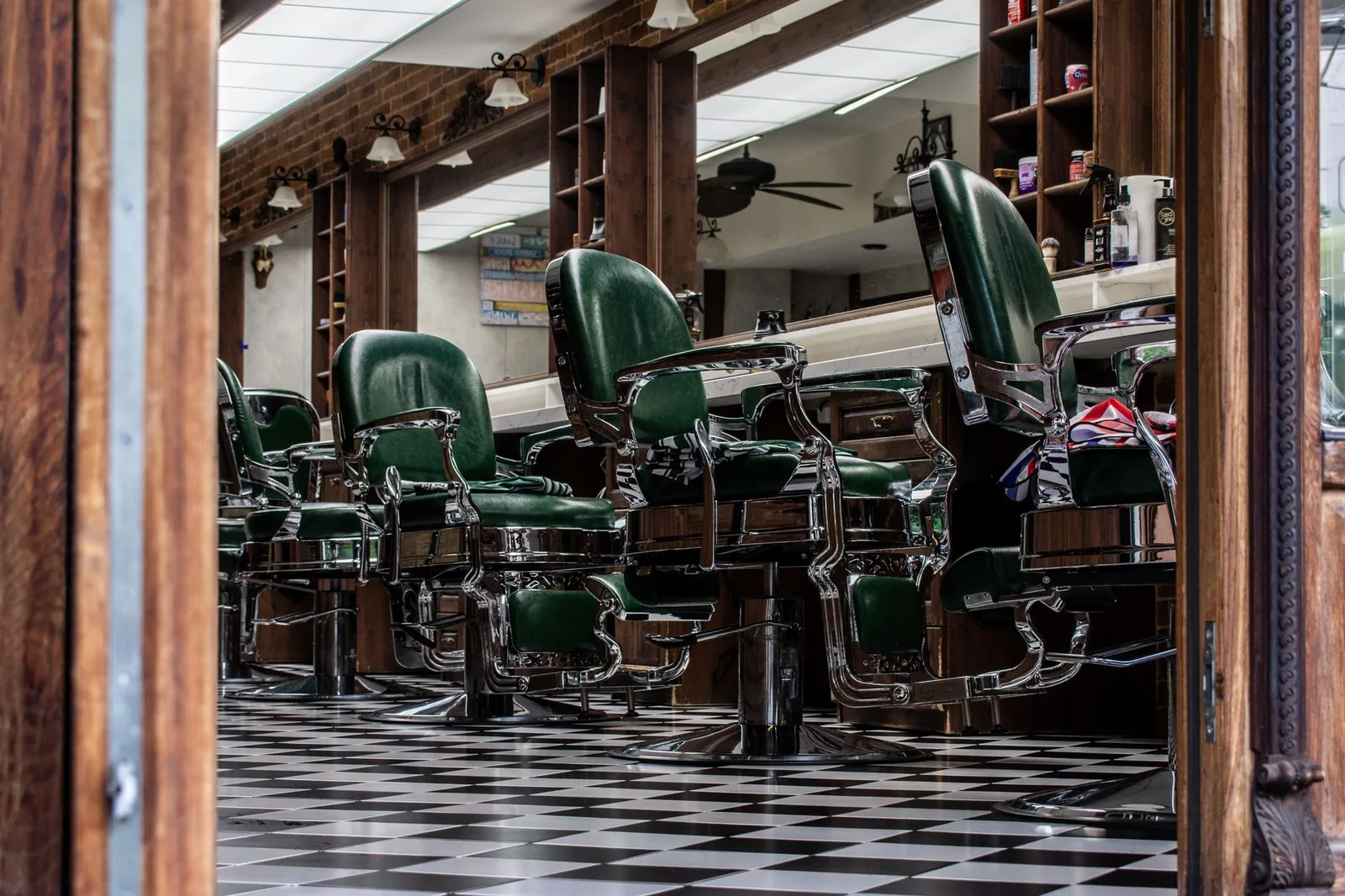
Your barbering station sits empty at 2:00 PM on a Wednesday because a client no-showed, and your phone keeps buzzing with people asking if you have openings this afternoon — two problems that kill revenue and drain your time. Meanwhile, your receptionist is so busy answering calls that he can't properly check in the client who just sat down.
I've talked with barbershop owners across Latin America who lose two to four hours daily just managing the phone — confirming appointments, rescheduling, and chasing no-shows. The right app for managing barbershop appointments removes that workload and fills your schedule. Below is a practical look at what these apps do, which features matter for barbershops specifically, and how to choose one that fits your operation.
What a barbershop scheduling app should do at minimum
A barbershop scheduling app should let clients see your real-time availability and book an appointment without calling you — while keeping your calendar organized and reducing empty chairs from cancellations.
The core functions that matter:
| Feature | What it solves |
|---|---|
| Online booking page | Clients self-book 24/7 — no phone tag |
| Per-barber calendar | Each barber sees only their own schedule |
| Automated confirmations | Cuts no-shows without manual follow-up |
| Service and pricing menu | Clients know exactly what they're booking and paying |
| Client history | You remember preferences, last cut, beard shape |
If an app you're evaluating doesn't cover all five of those, it's not built for a real barbershop — it's a toy.
What the day looks like with it in place
Instead of starting the day with a messy WhatsApp thread of "¿Tienes lugar a las 4?" messages, you open your dashboard and see your calendar filled — each appointment tagged with the service type, the client's name, and any notes from their last visit. Reminders went out automatically at 8:00 AM. When someone cancels at the last minute, the slot appears on your public booking page instantly, and the next person who searches for an opening sees it.
Key features that actually fill empty barbering chairs
The difference between a basic calendar and a real barbershop app is whether it actively helps you fill gaps — not just display them. Three features matter most for keeping chairs occupied.
Waitlist and last-minute booking — When a client cancels a 3:00 PM slot, the app should automatically offer that slot to people on your waitlist or surface it as an available time on your booking page. This is the single most impactful feature for barbershop revenue: a filled cancellation is pure recovered income.
Automated reminders via SMS, email, or WhatsApp — No-shows drop significantly when clients get a reminder a few hours before their appointment. In Latin America, WhatsApp reminders are especially effective because that's where clients already communicate. Look for an app that supports automated message sending — not just email, which many clients ignore.
Real-time availability sync — Your booking page must reflect your actual calendar. If a barber takes a walk-in or blocks off time for lunch, the online page should update instantly so you never double-book or turn away a client who booked a slot that was already taken.
A practical comparison
| Situation | Without an app | With an app |
|---|---|---|
| Client wants appointment | Calls, you answer mid-cut | Books online in 60 seconds |
| Client cancels at noon | Chair sits empty | Waitlist gets notified |
| New client asks pricing | You text the full menu | They see it on booking page |
| Barber takes vacation | Manual reshuffling | Block dates, page updates |
| End-of-day reconciliation | Paper notes | Per-barber service history |
Online booking: the feature that changes everything for barbershops
A public booking page where clients reserve their own slot against your real-time availability is the foundation of modern barbershop management. Without it, you are your own receptionist — answering every request manually, confirming by hand, and losing bookings whenever you're with a client and can't pick up.
The way it should work: you get a link — shareable on Instagram, WhatsApp, Facebook, your Google Business profile — and clients who click it see your services, your barbers, your prices, and your open time slots. They pick a service (fade, beard trim, hot towel shave), pick a barber (or "any available"), pick a time, and they're booked. You get a notification. They get a confirmation. No phone call happened.
Setting it up properly
- List your services clearly — Name, duration, and price for each. If you offer a "corte degradado" that takes 40 minutes and costs $150 MXN, say so. Clients who know what they're getting show up.
- Set working hours per barber — Each barber has their own schedule. One might work Tuesday–Saturday 10–7, another Wednesday–Sunday 11–8. The booking page respects those hours.
- Add buffer time between appointments — Five to ten minutes for cleanup between clients prevents back-to-back burnout and keeps the schedule realistic.
- Share the link everywhere — Instagram bio, WhatsApp Business status, Google Business profile, printed cards at the front desk. The more visible the link, the more clients use it instead of calling.
Reducing no-shows: reminders, deposits, and waitlists
No-shows are the most expensive problem in barbershops. An empty 30-minute slot isn't just lost time — it's lost revenue you can never recover, plus the client who could have taken that slot but went elsewhere.
Three mechanisms address this:
Automated reminders — Send a reminder 2–24 hours before the appointment. SMS and WhatsApp are most effective in Latin American markets. When a client gets a message saying "Te esperamos mañana a las 3:00 PM para tu corte," they either show up or cancel — and a cancellation at least opens the slot for someone else.
Deposits or advance payments — Some barbershops require a small advance (seña) via MercadoPago or similar to secure peak-hour bookings. This filters out casual bookers who have no intention of showing up. You can keep this optional for regulars and required for new clients.
Waitlist with auto-fill — When a cancellation comes in, the app notifies people on your waitlist that a slot opened. The first to claim it gets the appointment. This turns a lost slot into a recovered one — often within minutes.
A realistic no-show reduction
Barbershops that implement automated reminders typically see no-show rates drop noticeably — not to zero, but enough that the difference shows up in monthly revenue. When you combine reminders with a waitlist, even the no-shows that do happen get partially offset by filled slots.
How to choose the right app for your barbershop
Choosing barbershop appointment software comes down to three questions: Does it fit how your shop actually operates? Is it simple enough that your barbers will use it? Does the monthly cost make sense for your revenue?
For an independent barber or single chair: You need a straightforward booking page, automated reminders, and a client database. Avoid apps that overcomplicate things with multi-staff features you'll never use. A clean interface and a shareable booking link are what matter.
For a multi-chair barbershop (2–6 barbers): You need per-barber calendars, staff management with individual service menus and hours, and reporting so you can see who's bringing in what. Look for apps that let each barber see only their own schedule while you (the owner) see the full picture.
For multiple locations: You need a system that handles more than one shop from a single account, with separate views per location but consolidated reporting.
What to check before committing
- Is the booking page mobile-friendly? Most of your clients will book from their phone, often from an Instagram link.
- Does it send reminders automatically? Manual reminders don't scale — and you'll forget.
- Can clients cancel and reschedule on their own? This sounds risky, but a self-cancellation opens the slot immediately — far better than a no-show.
- Does it keep client notes and history? When a client comes back after two months, you should know their preferred fade length and any notes from last time.
- Is the pricing transparent? You should know the monthly cost before signing up. Avoid apps that require a sales call just to tell you the price.
Monthly cost considerations
Barbershop scheduling apps typically range from affordable monthly subscriptions for solo barbers to higher tiers for multi-location operations. In Mexico, expect to pay anywhere from $200–$800 MXN per month for a solo barber setup, and more for full-team or multi-location plans. The question isn't whether the cost is justified — if an app saves you two hours of phone work per day and prevents even two no-shows per week, it pays for itself. The question is whether the specific app fits your workflow.
Where Stylera fits
Stylera works as an app for managing barbershop appointments with the features that matter most: a 24/7 public booking page synced to real-time availability, automated SMS and email reminders to cut no-shows, a waitlist that fills cancelled slots automatically, and per-barber calendars with individual hours and service menus. Each client gets a profile with visit history and notes, so every barber knows what happened last time without asking.
For barbershop owners who want clients to self-book, get reminded, and fill gaps when cancellations happen — without the owner babysitting the phone — Stylera covers the full loop. It also handles loyalty rewards for repeat clients and gives you per-barber performance reports so you can manage by numbers, not guesses. Multi-location shops can run all their branches from a single account.
Putting it together
The right scheduling app doesn't just replace a paper appointment book or a WhatsApp thread — it changes how your barbershop operates. Clients book on their own, reminders go out automatically, cancellations get filled from the waitlist, and you spend your day cutting hair instead of answering calls. Whether you run a single chair or a six-barber shop, the tools to make that happen exist and are affordable. The shift is mostly about deciding to stop being your own receptionist.
If that sounds like the direction you want for your shop, give Stylera a free try — set up your booking page, add your services and barbers, share the link, and watch what happens when clients can book without calling you.